AI Virtual Golf Game Using Your Camera
Drive off the tee and hit precision approach shots with natural rotational golf swing mechanics.
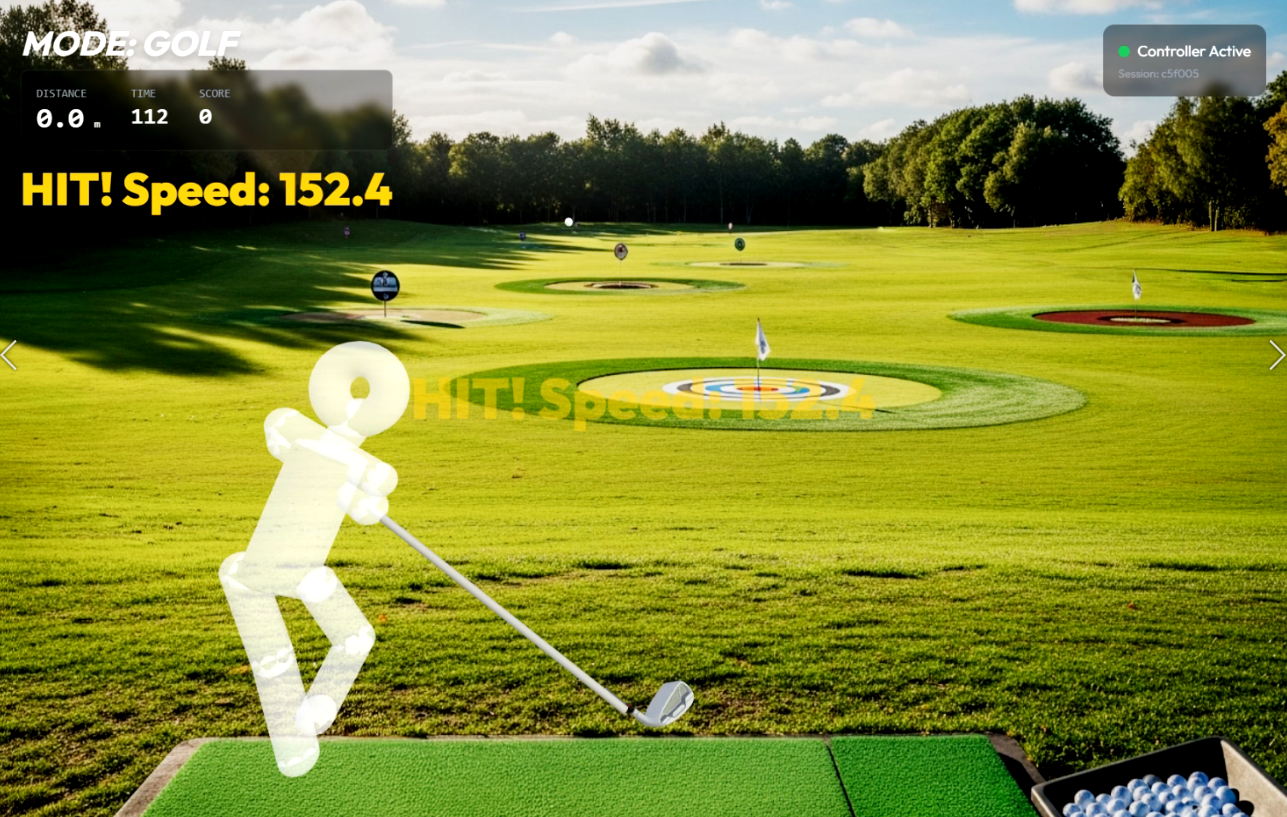
Play Virtual Golf with body movement
Virtual Golf is a sports game in the VXROOM camera motion library. The game uses body movement as input, so you can play in a modern browser without a handheld game controller. Set up the camera so your full body is visible, leave enough clear space to move, and follow the actions shown on screen.
A typical session lasts 5 min. The listed difficulty is medium, and an average session is estimated at 18 kcal. Calorie use varies with session intensity, body size, and movement range, so this number is a general gameplay estimate rather than a medical measurement.
Movements and gameplay
- Backswing Plane: Rotate shoulders back smoothly while keeping head steady in the camera view.
- Downswing & Impact: Shift weight forward and accelerate your hands through the imaginary impact point.
- Balanced Finish: Hold your follow-through pose facing the target to earn bonus accuracy points.
VXROOM turns recognized movement into game actions. Begin with controlled movements while learning the timing. Increase your range and pace after you understand the prompts and can keep a clear area around you.
What you need
Use a phone, tablet, or computer with a camera and a supported web browser. Bright, even lighting and a stable camera position help the game see your movement. Clothing that contrasts with the background can also make your outline easier to detect. No VR headset is required.
Virtual Golf FAQ
Do I need a real golf club?
Do not use a club indoors! Simply interlock your fingers and swing your arms.
How is shot distance calculated?
Computer vision evaluates hip torque, hand speed at impact point, and tempo rhythm.
Can I practice putting as well?
Yes, short game modes allow delicate shoulder pendulum strokes for green putts.
Related Sports games